One-tap capture
Snap patient photos, IDs, X-rays, or documents from any device with a camera.
Flex lets your team capture patient photos, IDs, and documents with a single tap and routes them straight into Open Dental, so nothing gets lost in a paper stack or a separate scanner queue.
WHAT IT DOES
A standalone scanner takes up space, needs supplies, and means someone has to walk over, scan a document, and manually file it in the right Open Dental folder. In the meantime, photos get misplaced, insurance cards get set aside and forgotten, and the office starts to feel disorganized. Flex turns any device with a camera into a mobile scanner.
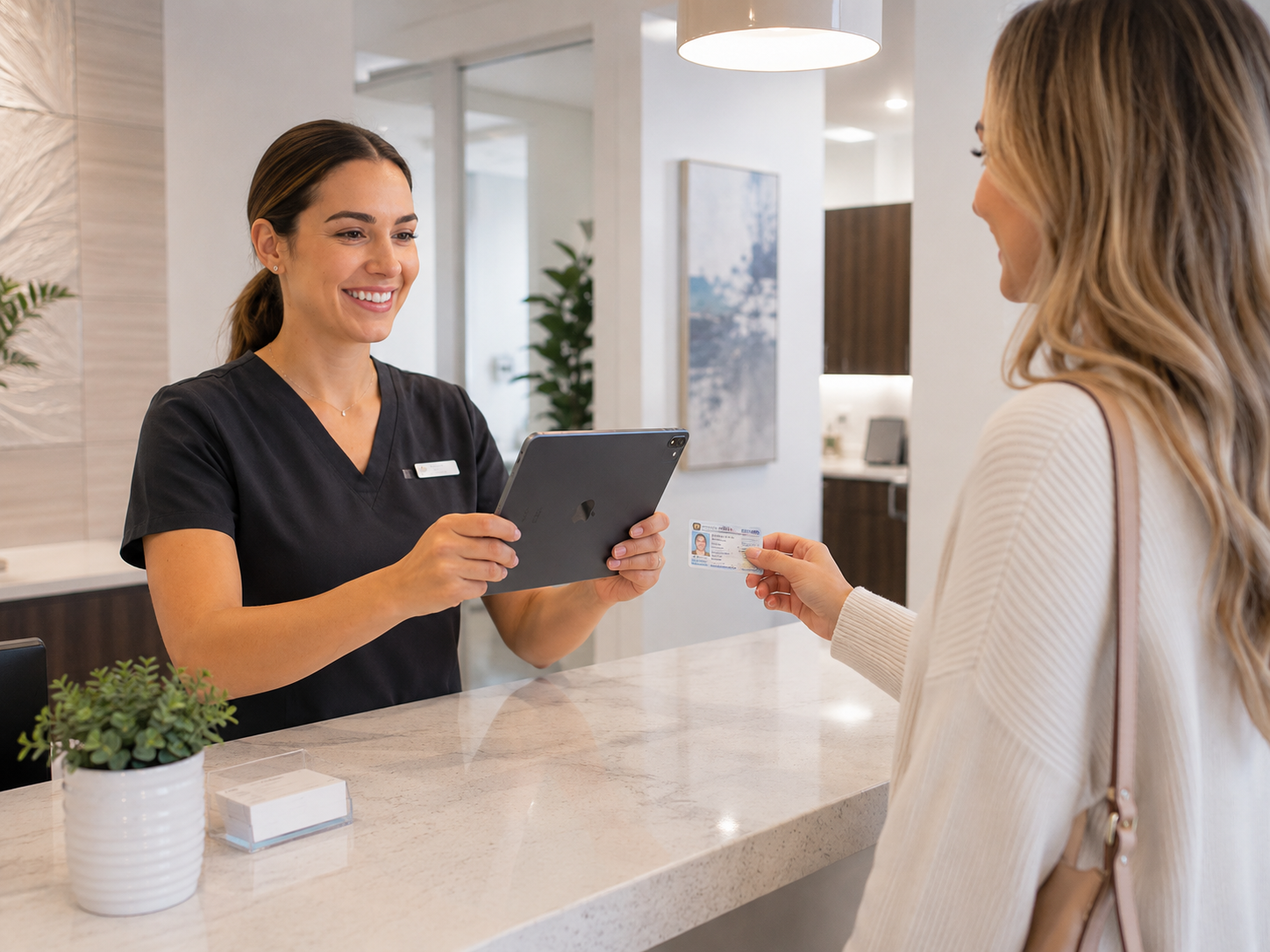
Staff can snap headshots, ID cards, EOBs, handwritten notes, and X-rays in one tap, and the image appears in Open Dental instantly, routed to the right folder automatically. Even desktop screenshots captured with Flex's Snipping Tool attach directly to treatment plans and patient records. There is no dragging, dropping, or manual filing. Patient documentation stays complete, organized, and exactly where your team expects to find it.
HOW IT WORKS
Capture with any device
Staff take a photo of an ID, X-ray, document, or patient photo using a phone, tablet, or computer with a camera, or capture a screenshot with the Snipping Tool.
Flex routes it automatically
The image is instantly linked to the correct patient chart or treatment plan and routed to the folder your practice has specified.
The record is ready in Open Dental
No uploading, renaming, or manual filing. The image appears in Open Dental immediately and is ready for the clinical team to use.
WHAT’S INSIDE INSTANT PHOTO CAPTURE
One-tap capture
Snap patient photos, IDs, X-rays, or documents from any device with a camera.
Snipping Tool integration
Save screenshots and desktop images directly into Open Dental without extra steps.
Automatic folder routing
Images link instantly to the right patient chart or treatment plan, with no manual filing.
WHY FLEX
Flex doesn't connect to Open Dental — it works alongside it. Every action syncs automatically. Nothing to export, import, or manually update.
Flex was founded by a practicing dentist who ran her own Open Dental practice. Every feature was built to solve a real problem she lived.
~1 hour install. 2-hour complimentary team training. No downtime, no data migration. From demo to live without disrupting your practice.
Authorized
Integration Vendor

Typically responds within 1 business day · No credit card required
FREQUENTLY ASKED QUESTIONS
Instant Photo Capture is a Flex feature that turns any device with a camera into a mobile scanner. Staff can capture patient photos, IDs, documents, and X-rays with a single tap, and the images sync directly into Open Dental.
No. Flex eliminates the need for standalone scanning equipment. Any phone, tablet, or computer with a camera can capture and upload images directly into Open Dental.
Images route automatically to the correct patient chart or treatment plan and land in the folder your practice has specified, with no manual filing required.
Yes. Flex's Snipping Tool lets your team save desktop screenshots directly into Open Dental, where they attach to treatment plans and patient records.
Yes. Flex's capture process is touch-free where possible and fully HIPAA-compliant, so patient photos and documents are handled securely from the moment they are captured.